Organizations & teams
Organizations let a group of people share repositories under one handle, with roles and teams to control who can do what.
Create an organization
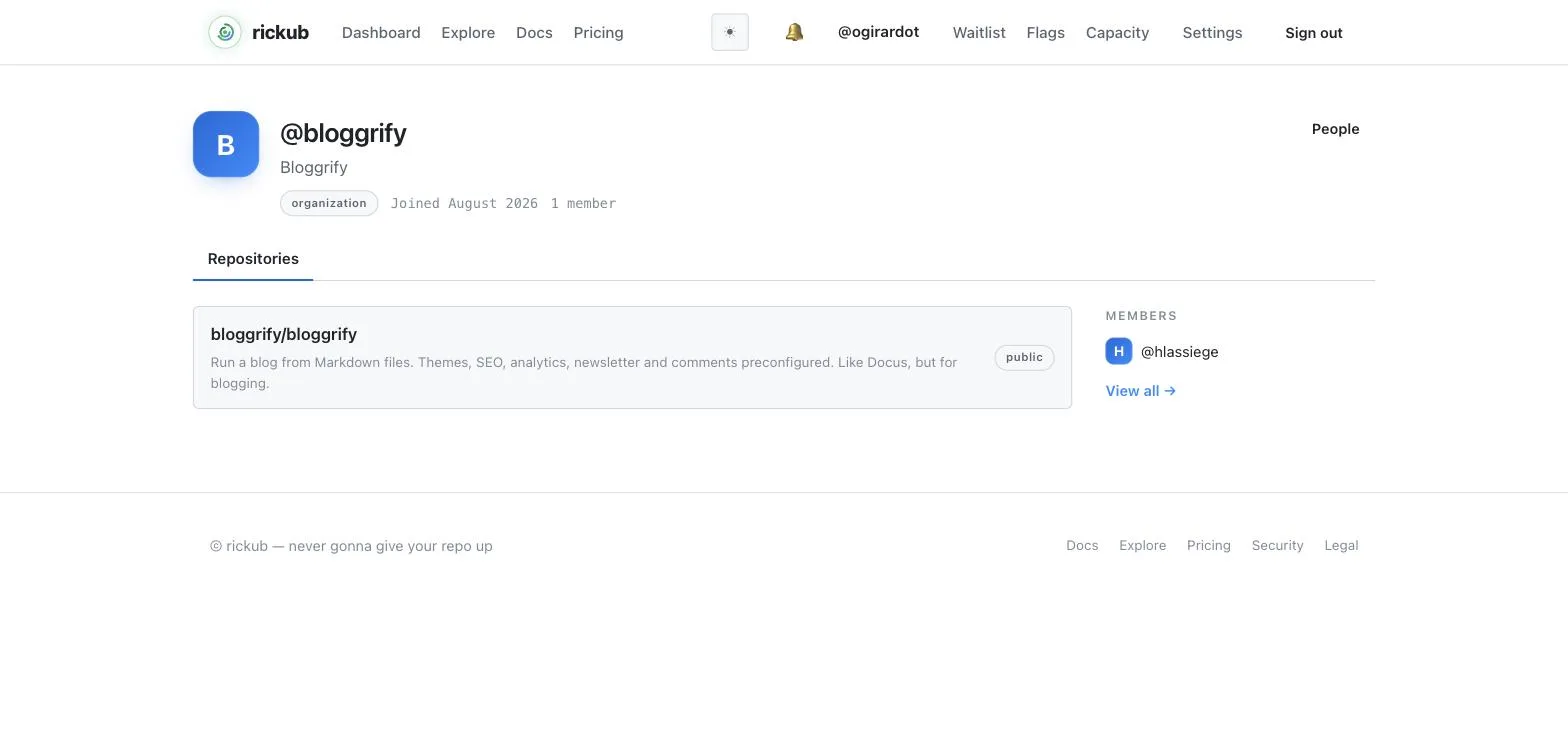
Go to New organization, pick a handle for it, and you become its first owner. The organization gets its own namespace — rickub.com/your-org — and its own repositories, members, and teams.
Invite members
From the organization's People page, invite people by handle or email. They receive an invitation to accept before they join.
Roles
- Owner — full control: billing, settings, membership, and every repository.
- Member — belongs to the org and gets access through the teams and repositories they're added to.
Set a member's role from the People page; repository-level access is layered on top through collaborators and teams.
Teams & nested teams
Teams group members so you can grant access once instead of per person. Teams can be nested: a child team inherits its parent's repository access, so you can model your org structure (for example, Engineering → Backend) and let access cascade down.
Granting repository access
From a team's page, grant it access to a repository at a chosen role. Every member of that team — and of any team nested under it — gets that access automatically. Remove the grant and the access goes away just as cleanly.
Prefer teams over one-off collaborators for anything more than a couple of people — access stays organized and is easy to audit.