Quickstart
Create an account, make your first repository, and get your code onto rickub in a few minutes.
Sign up
Head to Sign up and create an account with your email address and a password. Pick a handle — your unique name on rickub. Your handle is the first segment of every URL you own, for example rickub.com/your-handle/your-repo.
After you sign up we send a verification email. Click the link in it to confirm your address — you need a verified email before you can create repositories.
Handles are a single shared namespace for users and organizations, exactly like on GitHub — rickub.com/{handle} is either a person or an org.
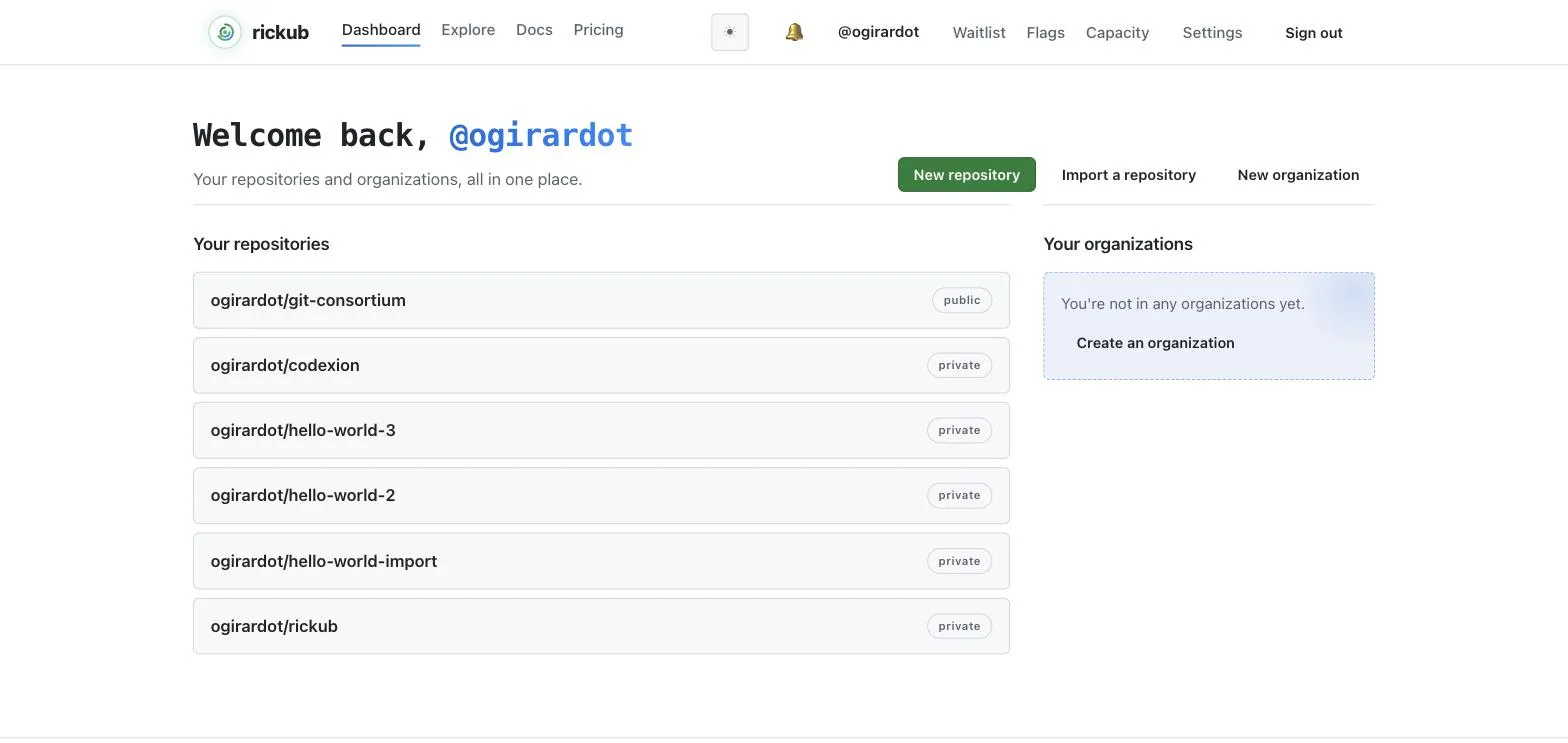
Create your first repository
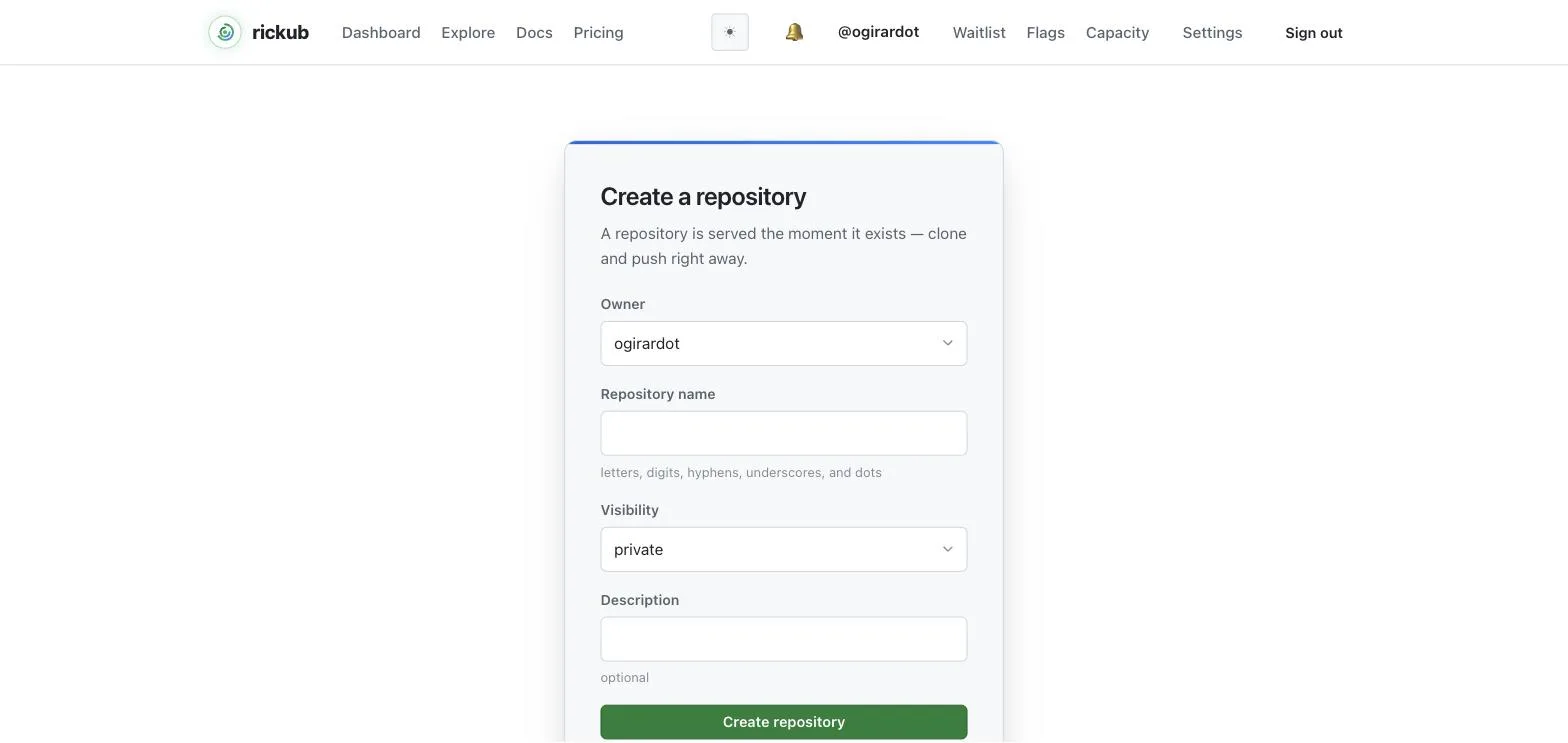
Click New repository (or go to /new). Give it a name, an optional description, and choose whether it's public or private. You can create the repository under your own handle or under any organization where you have permission.
Live example: rickub/portal is our public demo repository — browse it to see what a repository home, README and history look like on rickub.
Push existing code
Already have a local project? Point it at your new rickub repository and push:
cd my-project
git init                      # if it isn't a git repo yet
git add .
git commit -m "Initial commit"
git branch -M main
git remote add origin https://git.rickub.com/your-handle/my-project.git
git push -u origin main
Note the host: the repository's web page lives at rickub.com/your-handle/my-project, but git traffic (clone, fetch, push) is served from git.rickub.com. The repository page shows the exact clone URLs to copy.
Clone a repository
Over HTTPS (with a token)
Cloning over HTTPS uses your handle as the username and a personal access token as the password. Create a token under Settings → Access tokens, then:
git clone https://git.rickub.com/your-handle/my-project.git
# Username: your-handle
# Password: paste your personal access token
Let git remember the token with a credential helper: git config --global credential.helper store (or osxkeychain on macOS) so you only paste it once.
Over SSH (with a key)
Add your public SSH key under Settings → SSH keys, then clone with the SSH remote — git talks to rickub.com on port 22, so the compact scp-style URL works:
git clone git@rickub.com:your-handle/my-project.git
If your network blocks port 22, clone over 443 instead:
git clone ssh://git@ssh.rickub.com:443/your-handle/my-project.git
Before your first connect, verify the host key: rickub's fingerprint (ed25519) is SHA256:iycHnxEyq0Q7uyVpB7JlznP0G7JrTPXLYRcAU5CSLhc. ssh-keyscan -t ed25519 rickub.com prints the key it serves — on a network that blocks port 22, ssh-keyscan -p 443 ssh.rickub.com prints the same key. A fingerprint that differs means DO NOT connect.
Don't have a key yet? Generate one with ssh-keygen -t ed25519 -C "you@example.com" and add the contents of ~/.ssh/id_ed25519.pub.