Merge requests
A merge request proposes changes from one branch into another so your team can review and discuss them before they land. (Elsewhere you may know these as pull requests.)
Open a merge request
Push a branch, then open a merge request from that branch into your default branch:
git switch -c fix/login-redirect
# …make changes, commit…
git push -u origin fix/login-redirect
From the repository, click New merge request, pick the base and compare branches, add a title and description, and create it. You can also open one straight from the CLI with rickub pr create.
Review and comment
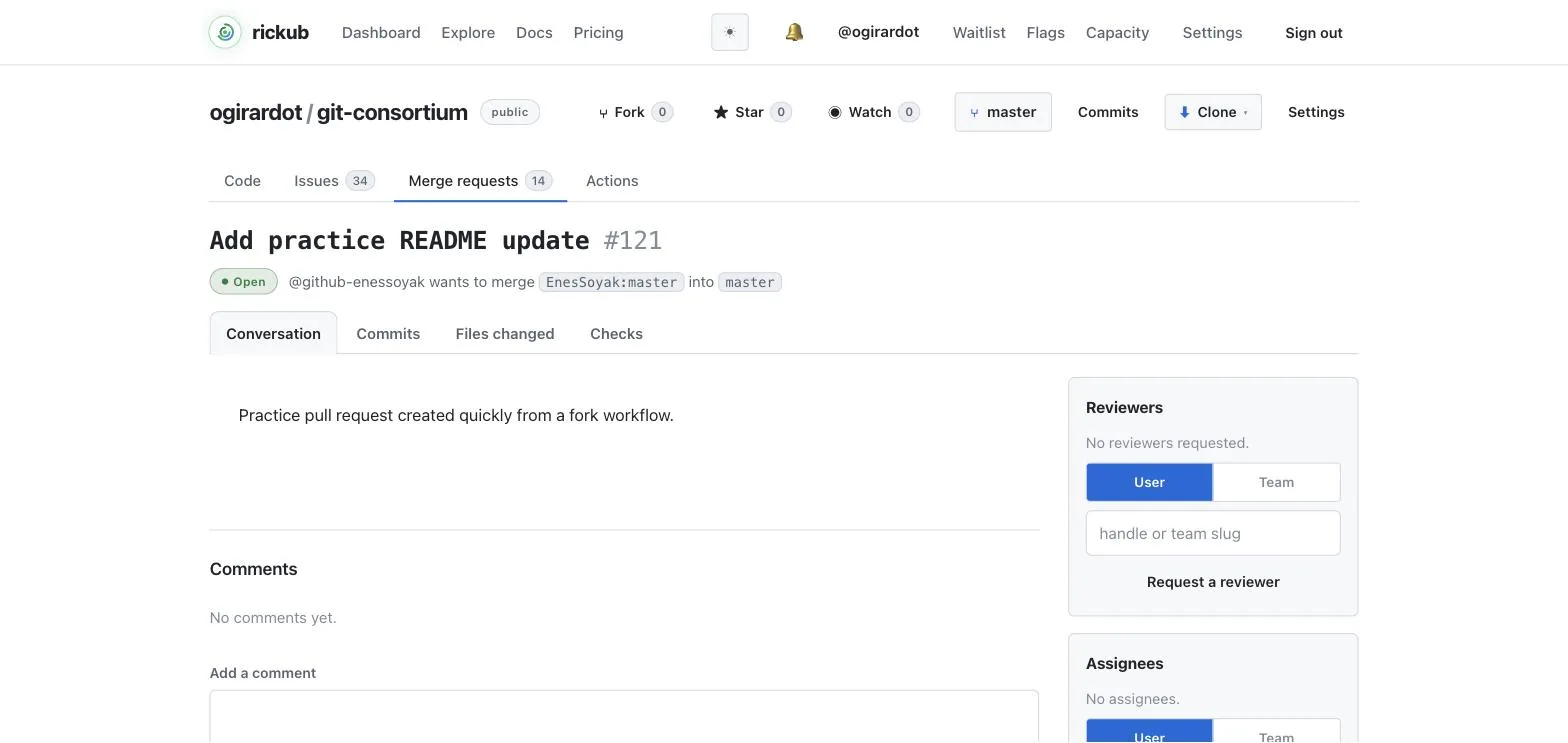
Reviewers read the diff, leave comments, and submit a review that either approves the changes or requests changes. Anyone with access can join the conversation.
Live example: portal!1 is a real merge request with comments anchored to the diff — including a request changes on internal/watcher/watch.go line 9.
Request reviewers and assignees
Add reviewers to ask specific people to look at the change, and assignees to say who owns getting it merged. Both are set from the merge request's sidebar or via the CLI/API.
Branch protection & required approvals
Protect important branches (like main) from Settings → Branches. A protected branch can require a minimum number of approving reviews before a merge request is allowed to merge, and can block direct pushes so all changes go through review.
If a branch requires, say, two approvals, the Merge button stays disabled until two reviewers approve and any other required checks pass.
Merge
Once the merge request is approved and all required checks are green, click Merge. The compare branch is integrated into the base branch and the merge request is closed. You can delete the branch afterwards to keep the list tidy.
A repository can also declare paths or migration rules a merge must never break (.rickub/protected-paths, .rickub/migration-guard); such a refusal answers 409 with the reason instead of merging. See merge guards.